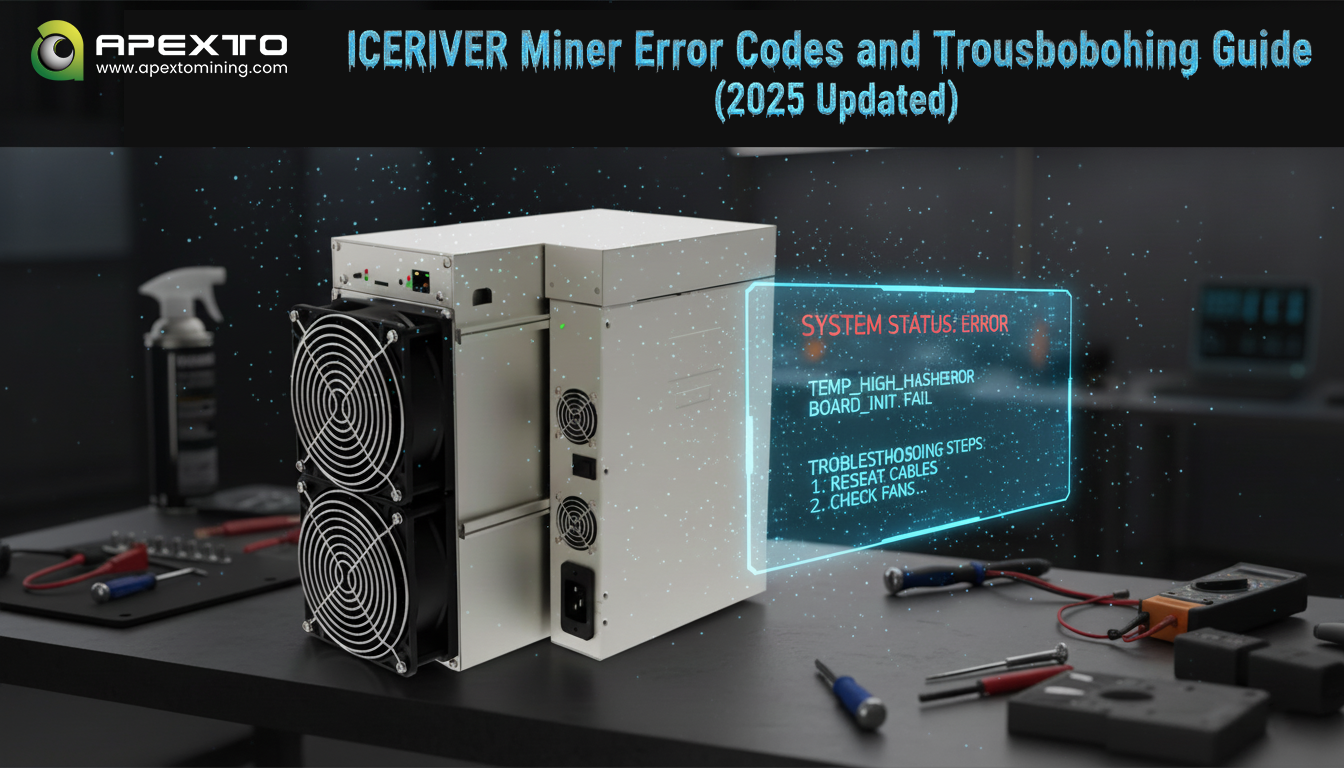
ICERIVER has quickly established itself as a leading brand in the cryptocurrency mining hardware industry, known for its high efficiency, low energy consumption, and stable performance. From home miners to industrial-scale mining farms, ICERIVER provides a full range of solutions for various mining environments.
Popular models include:
-
ICERIVER ALEO AE2 720M – 720 MH/s hash rate, 1300W power consumption, 1.81 J/Mh efficiency.
-
ICERIVER AE1 Lite 300M – 300 MH/s, 500W, ultra-quiet 35–45 dB noise level.
-
ICERIVER KS5M 15T – designed for professional Kaspa mining farms.
-
ICERIVER AE0 – 50 MH/s, 100W, optimized for low-power home mining.
However, like any high-performance hardware, occasional faults may occur. This comprehensive troubleshooting guide helps you identify and fix common ICERIVER error codes and hardware issues efficiently.
1. Power Supply Issues
Error: Power Indicator Light Not Working
Cause: Loose connection, faulty adapter, or unstable input voltage.
Solution:
-
Check and firmly reconnect the power cable to the miner.
-
Replace the power cord or adapter if damaged.
-
Ensure voltage is within AC 170V–300V range.
-
If unresolved, contact ICERIVER support for power module replacement.
Error Codes: 233–239 (Overtemperature Protection)
Cause: High ambient temperature or dust accumulation.
Solution:
-
Keep the environment below 35°C (Normal Mode) or 30°C (Performance Mode).
-
Clean dust from power supply vents for proper airflow.
-
Tighten copper bar screws to ensure firm electrical contact.
2. Fan-Related Faults
Error Codes: 110/111/120/121 (Fan Speed Abnormal)
Cause: Fan cable is loose or fan motor is damaged.
Solution:
-
Reconnect fan cables securely.
-
Replace defective fans (use original ICERIVER parts).
-
If the control board driver fails, update firmware or replace the control board.
Error Code: 140 (Fan Overspeed)
Cause: High temperature environment or fan aging.
Solution:
3. Network Connection Problems
Symptom: Network Port LED Off
Cause: Unstable network or damaged port.
Solution:
-
Reconnect or replace Ethernet cable and test with another port.
-
Check router/switch status and replace if faulty.
-
Verify correct IP configuration (DHCP or Static IP).
Symptom: “404 Not Found” When Accessing Miner IP
Cause: Web interface not fully initialized.
Solution:
-
Wait 1–2 minutes after powering on before accessing.
-
Restart miner and refresh browser.
-
If persistent, re-flash or upgrade firmware.
4. Temperature Sensor and Overheating Issues
Error Codes: 300–302 (Temperature Sensor Failure)
Cause: Loose hashboard cable or faulty sensor.
Solution:
Error Codes: 350–352 (Overheat Protection Triggered)
Cause: Poor ventilation or blocked airflow.
Solution:
-
Remove any covering or obstruction around miner vents.
-
Use external cooling fans or lower ambient temperature.
-
Check fan RPM; replace if malfunctioning.
5. Hashrate Issues
Symptom: Hashrate Drops or Shows Zero
Cause: Unstable network, defective chip, or faulty hashboard.
Solution:
-
Check internet connection and replace network cable if needed.
-
Observe average hashrate over 12 hours; short-term fluctuations are normal.
-
If consistently low, replace faulty hashboard or chips.
Symptom: Pool Hashrate Differs from Local Hashrate
Cause: Network latency or pool statistics variance.
Solution:
-
Ensure network stability and reduce latency.
-
Refer to the pool’s 24-hour average hashrate instead of real-time data.
-
Double-check pool address and configuration accuracy.
6. Firmware & Control Board Errors
Error Codes: 800–802 (Firmware Update Failed)
Cause: Incomplete or corrupted firmware file.
Solution:
-
Download the latest firmware from ICERIVER’s official website.
-
Ensure a stable power source during upgrade.
-
Contact technical support if upgrade repeatedly fails.
Error Codes: 710/712 (Control Board Unstable)
Cause: Firmware incompatibility or board hardware fault.
Solution:
-
Update to the latest official firmware version.
-
Tighten control board screws to ensure stable contact.
-
Replace control board if instability persists.
7. General Troubleshooting Checklist
-
Check Indicator Lights: Power, network, and fan LEDs can quickly show the miner’s status.
-
Verify All Connections: Power cable, hashboard, and Ethernet must be tightly connected.
-
Restart the Device: Many temporary faults are resolved by a simple reboot.
-
Keep Firmware Updated: Always use the latest firmware for bug fixes and improved stability.
-
Contact Support: If self-troubleshooting fails, reach out to ICERIVER Technical Service for professional assistance.